

Cannon Studio maps AI video from idea to final mix
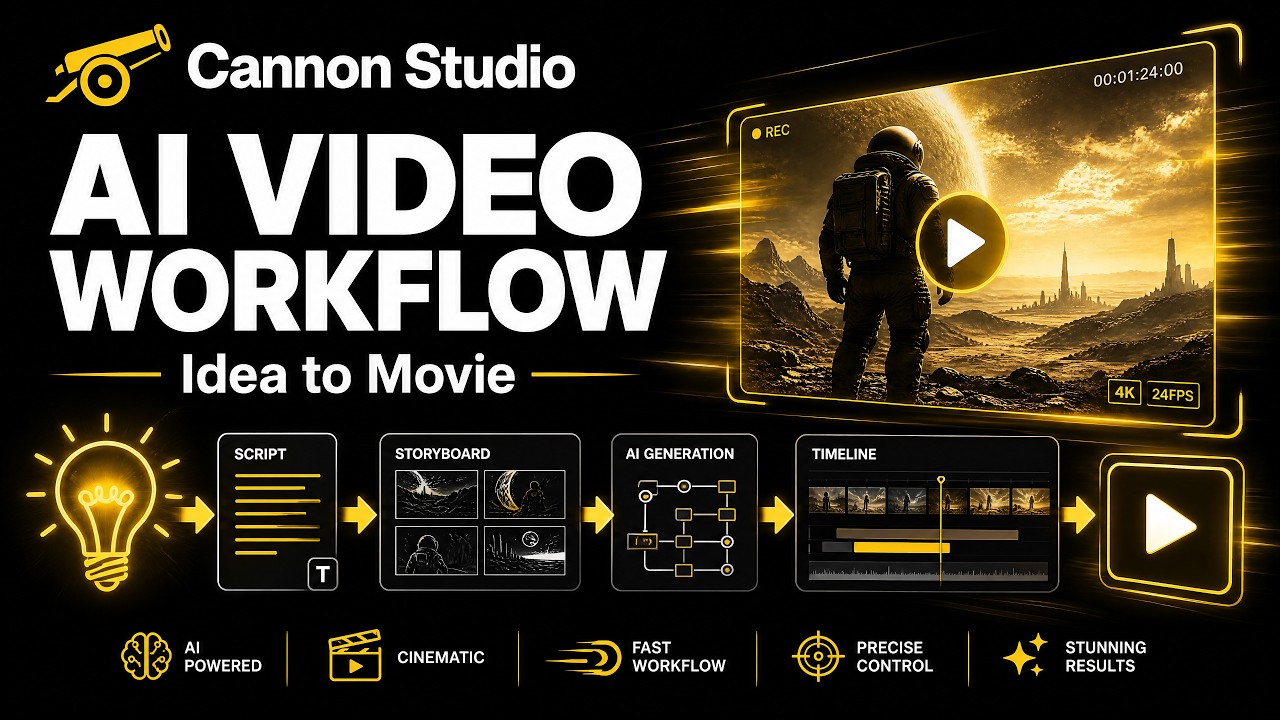
Cannon Studio provides a step-by-step tutorial on its Creator Flow platform, demonstrating how to generate structured, cinematic AI video scenes from an initial idea. The platform supports character and location generation, shot list creation, video generation, and post-production tools for editing and audio mixing to achieve consistent AI-generated movies faster. This workflow aims to streamline AI filmmaking for various content types like short films, trailers, and social content.
Key Takeaways
- Creator Flow breaks projects into story chapters and story beats before generating scenes and shot lists.
- The platform generates character sheets with appearance prompts, backstories, relationships, voices, and speaking styles.
- Locations are organized into three layers: locations, zones, and angles, to keep scene context consistent.
- Post-production tools include prompt-based edits, video extension, color grading, upscaling, subtitles beta, lip-sync, and audio mastering.
- The tutorial's sample project was a 40-second skit titled "You Pay for the Nachos."
Why It Matters
The immediate implication is a more structured AI video workflow: Cannon Studio is packaging idea entry, story breakdown, character design, scene generation, and post-production into one pipeline. That matters for creators who need consistent characters, locations, and shot continuity without stitching together separate tools. In the broader streaming and video stack, this pushes AI filmmaking toward production-style organization rather than one-off clip generation. The clearest signal to watch next is whether Creator Flow's subtitle beta, lip-sync, and bulk finalization tools stay inside the same end-to-end workflow as the product matures.
Read full article at youtube.com